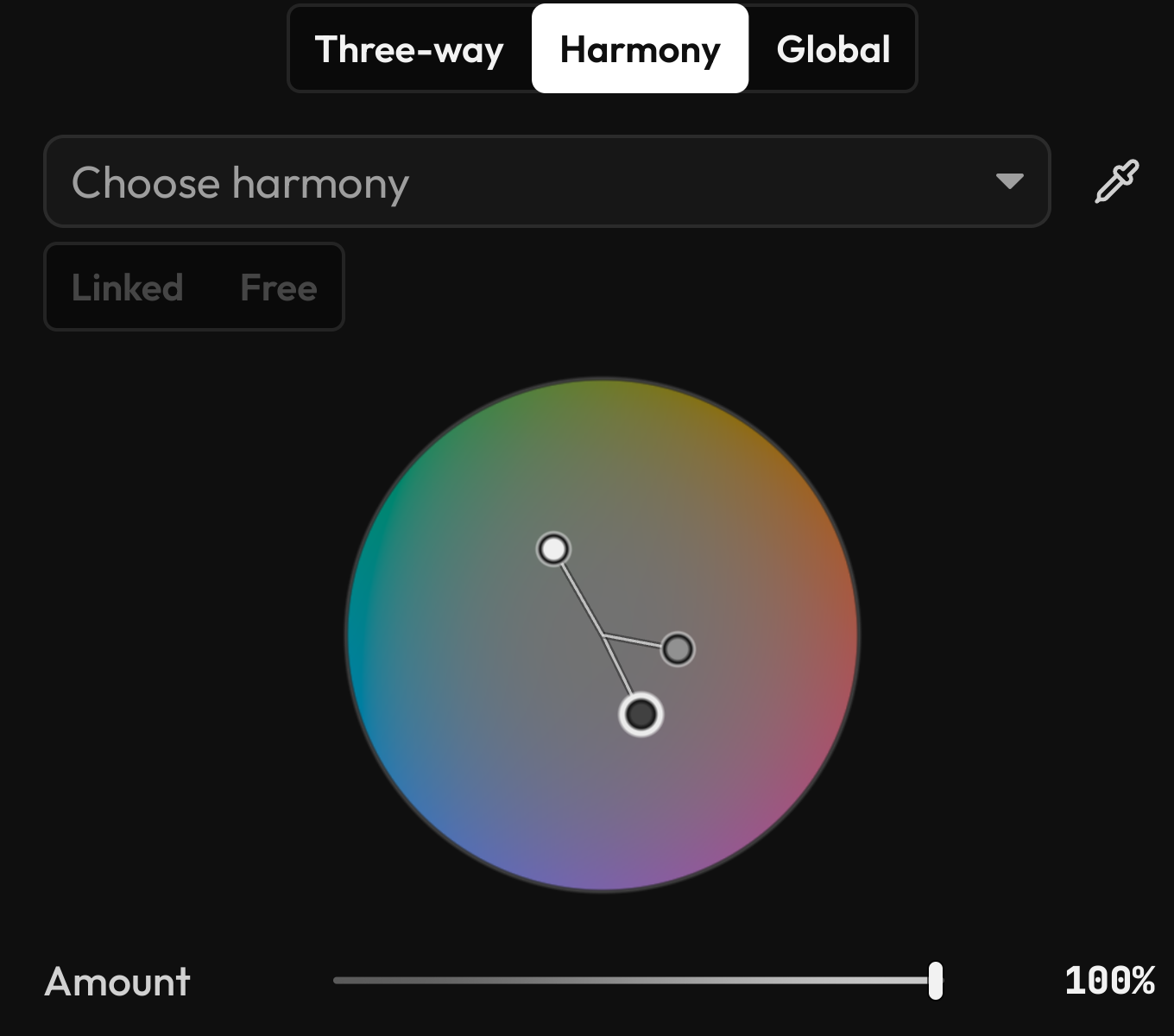
Color harmoniesFind colors that
Find colors that
feel right together.
Explore complementary, analogous, and monochromatic relationships. Move linked colors together, then make the result your own.
 fractal.Follow along
 A photo editor. Coming soon.
For the pictures you take.
And the possibilities you see.
Organize, edit, and share your photographs in a desktop workspace that leaves room for your own point of view.
Take a closer look
The edit is up to you
Bring out what caught your eye. Shape the light, find your colors, and give the details the attention they deserve.
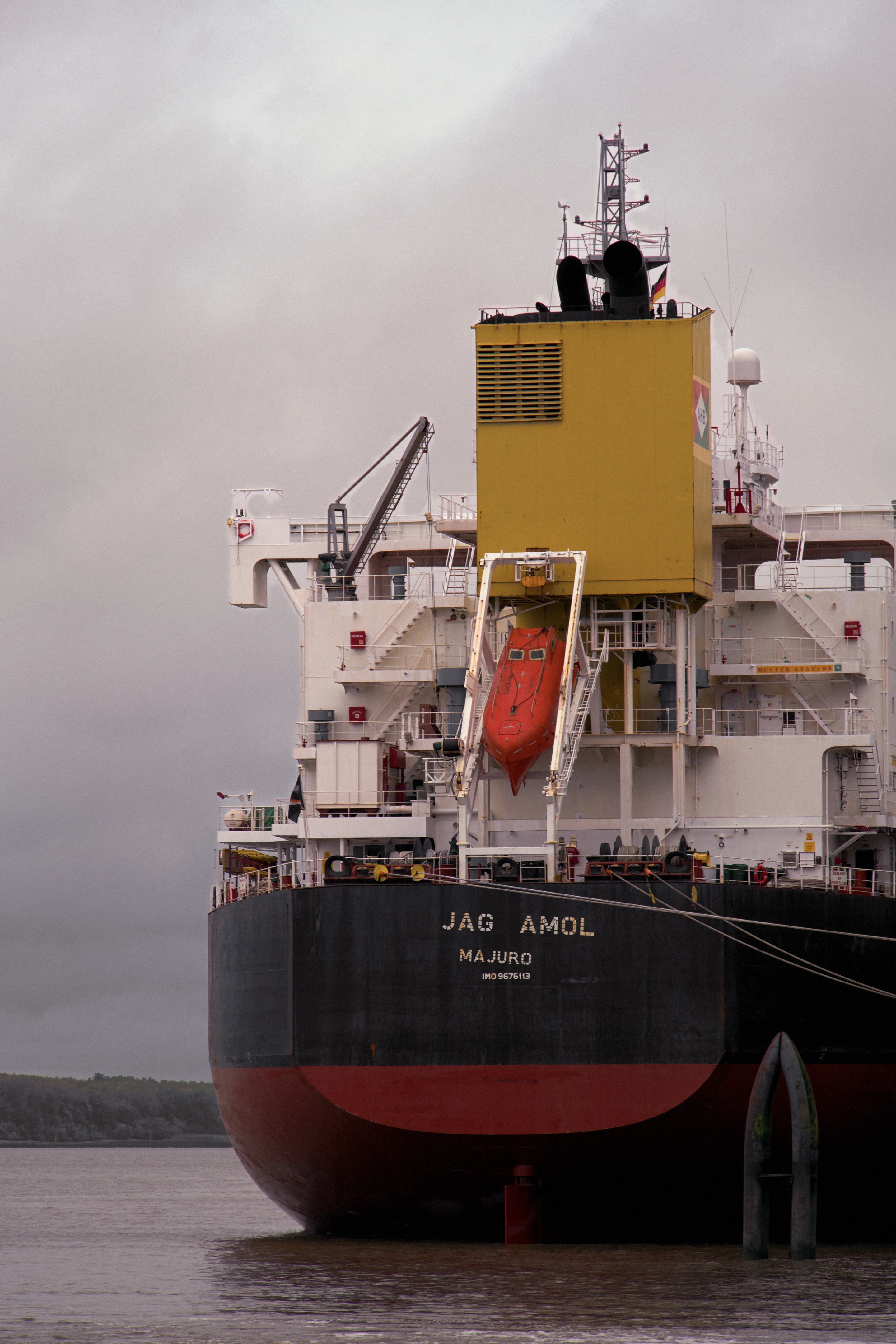
 BeforeThe edit
Explore the edit
Follow one photograph from RAW to the finished edit. Choose a section to see the changes build up, in the same order as the editor.
Brighten exposure, lift highlights, deepen blacks, and soften contrast.
Deepen darker tones, lift bright tones, and fine-tune the red and blue channels.
Subdue blues and aquas, soften yellows, and bring out reds and oranges.
Add violet shadows and green highlights, with a lift in the brighter tones.
Reduce noise and sharpen detail, keeping most sharpening away from smooth areas.
Add textured film grain and a subtle vignette.
Apply the lens profile to correct distortion and lens vignetting.
Darken the background with a gradient, then lift the ship with an object mask.
Each stage includes the sections above it.
Full edit · all sections on
One real edit, rendered in Fractal. Drag the divider to compare each stage with the RAW starting point.
A closer look
Precise when you know what you want. A little guidance when you're still finding it.
Explore complementary, analogous, and monochromatic relationships. Move linked colors together, then make the result your own.
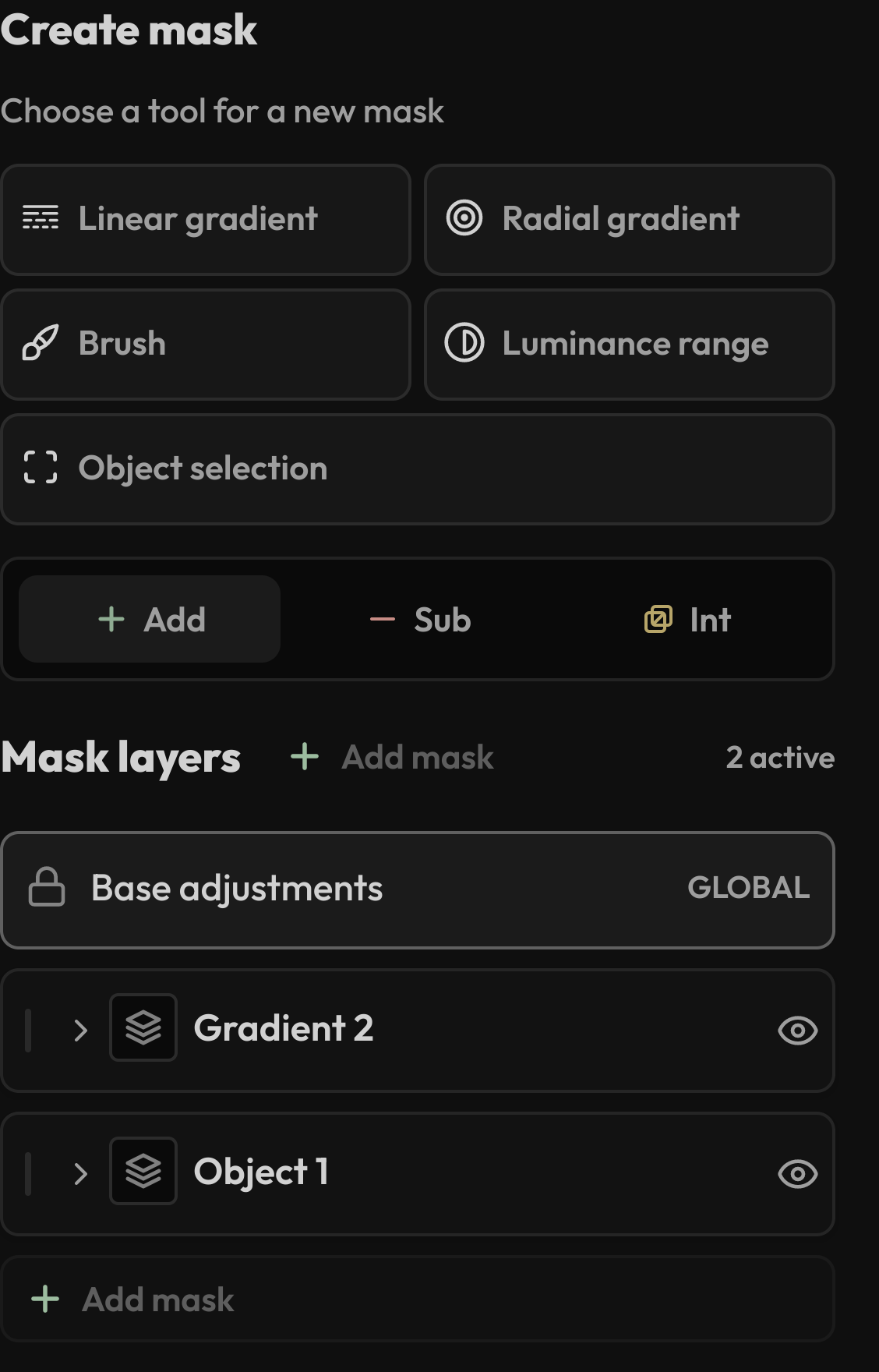
Paint a correction, follow an edge, or select an object. Combine masks without losing the freedom to change your mind.
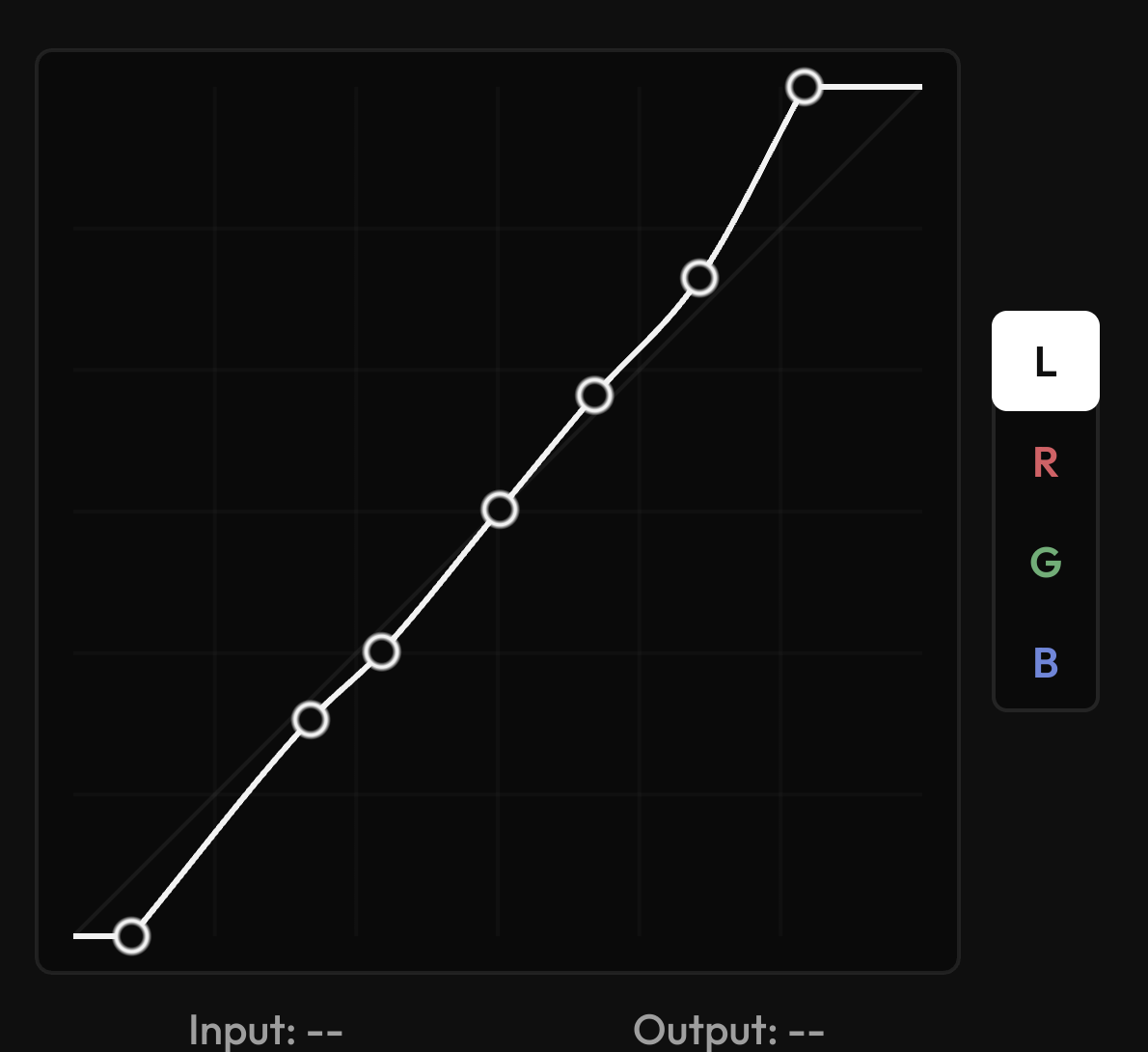
Fine-tune the whole image or a single color channel. Sample your photograph to find exactly where to make a change.
Real interface details from the development build. The app is still evolving.
Before the first adjustment
A good edit starts with a keeper. Bring in a shoot, mark your favorites, and leave the rest for later.
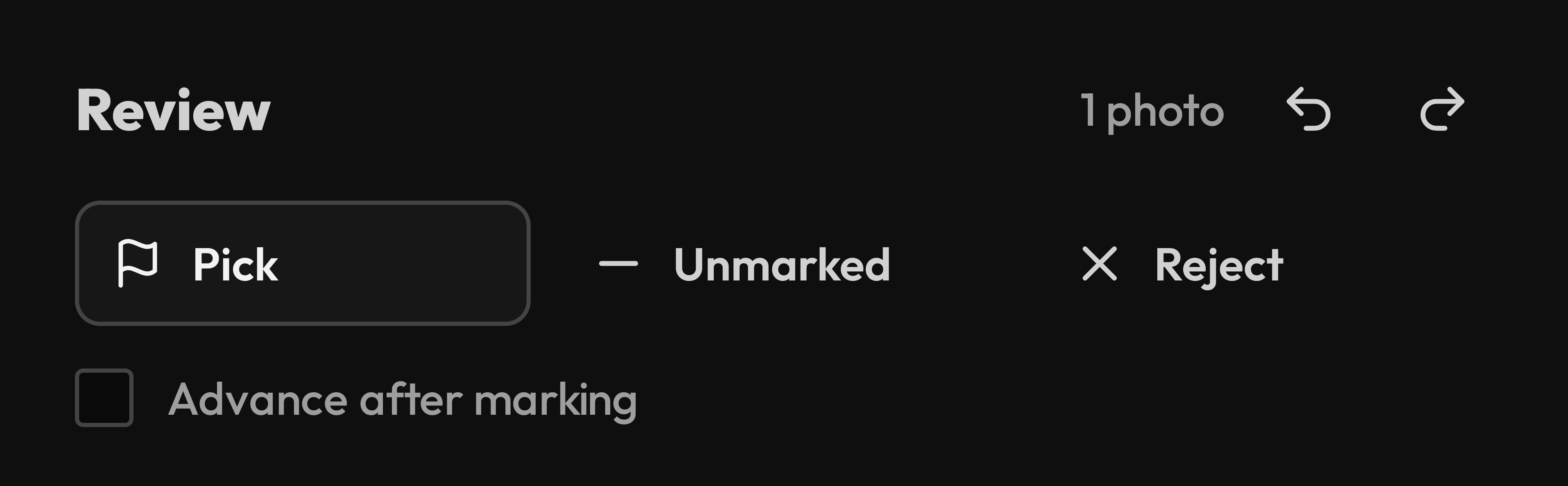
Your photos stay on your computer, in the folders you choose.
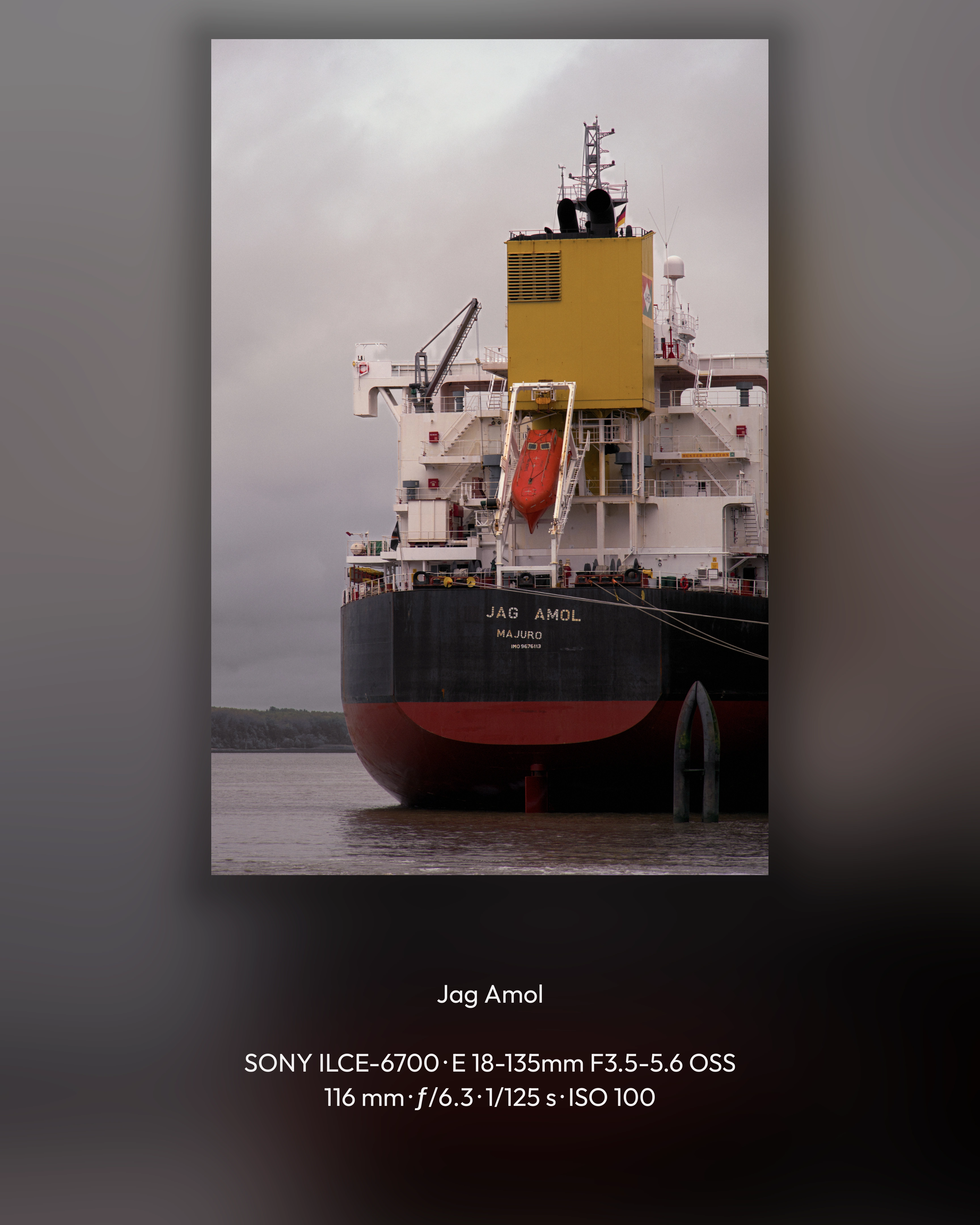 Made to be shared.
The last step matters, too
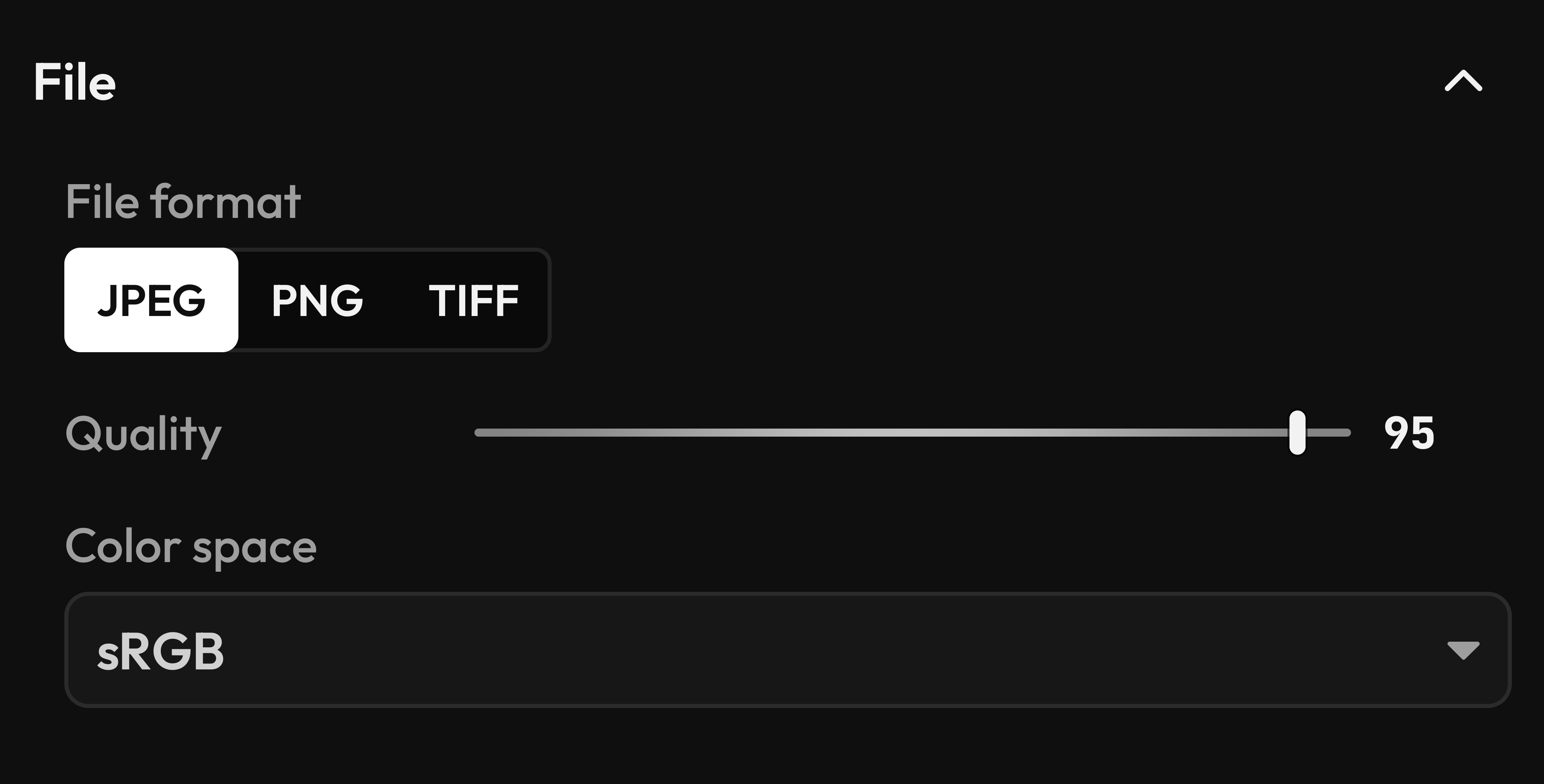
Export the photograph on its own, or give it a little space with Showcase: a backdrop, a frame, and the story behind the shot.
A place for your photographs.
Not another place to upload them.
Good to know
Fractal is in active development. Beta opportunities and the public release will be announced here. There isn't a release date to share yet.
Fractal supports RAW photography, including Bayer and Fujifilm X-Trans files, alongside JPEG, PNG, and TIFF. Camera and file compatibility are still being tested as development continues.
No. Your photographs and editing workspace stay on your computer. You can add photos in place or copy them to a folder you choose.
The plan is a one-time purchase. Final pricing and release details will be shared closer to launch.
An email newsletter is planned for beta opportunities, release announcements, and occasional development news. Signup isn't open yet.
Still making. Getting closer.
Follow Fractal's next chapter.
Beta opportunities, release announcements, and occasional news from behind the editor.
The newsletter isn't open yet. No email addresses are being collected.